ATS Resume Readability Checklist
Before you submit a resume, check that its content is readable and relevant to the role. ApplyBolt offers an AI review of extracted resume text. It does not certify your file against every employer’s applicant tracking system.
Start with the employer’s instructions
Use the file type and size requested on the application. Open your exported file, check that the correct version was saved, and confirm that your contact details and links work.
Run a simple text check
Select and copy the text from your resume into a plain-text editor. Read it from top to bottom. Check whether headings, jobs and bullet points appear in a sensible order. If text is missing or scrambled, simplify the layout and test another export. This check can reveal extraction problems, but it does not reproduce every employer’s parser.
Review the content separately
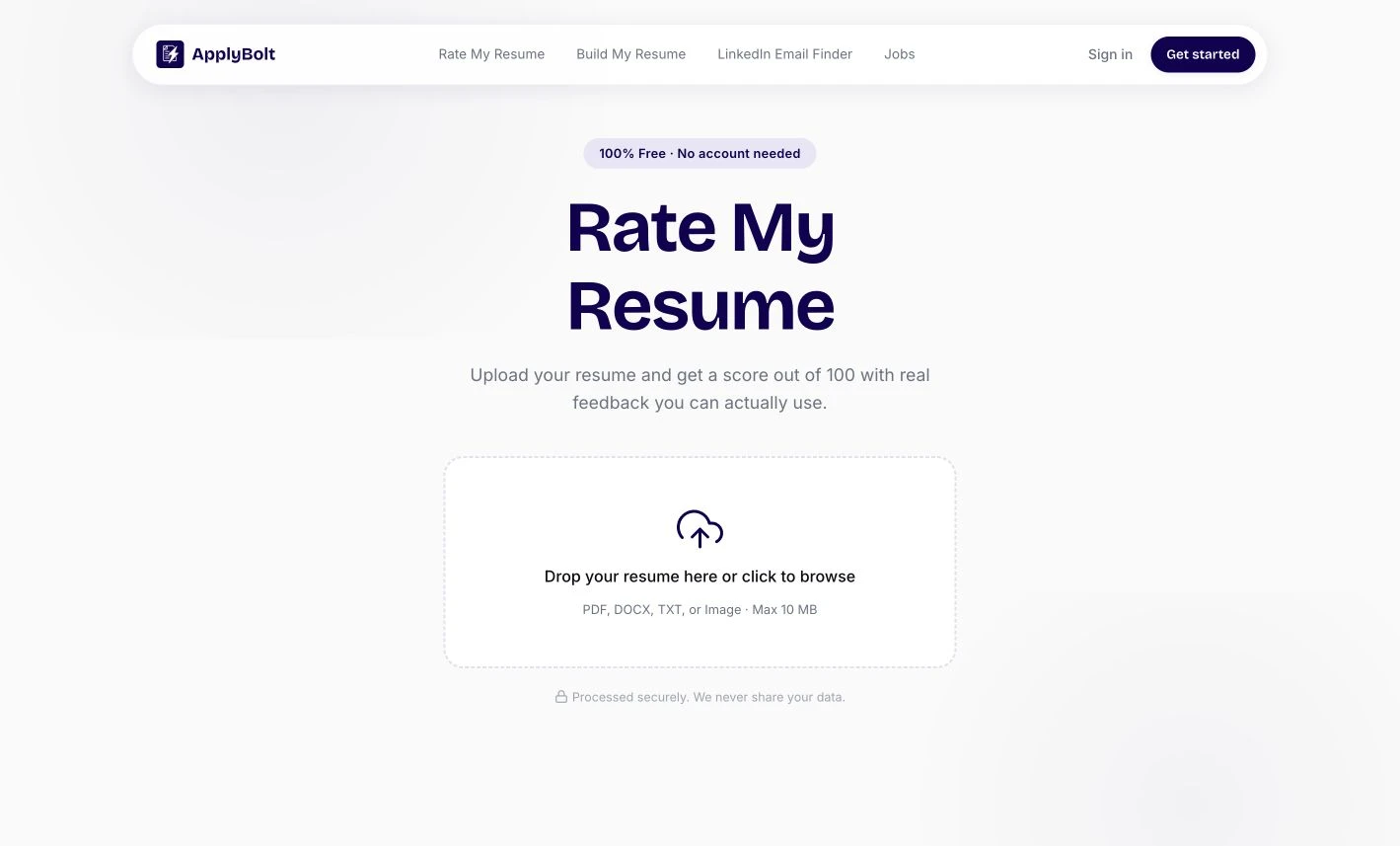
A file can be readable and still fail to explain your experience. Our resume review tool evaluates extracted text using an AI rubric, with feedback on impact, bullet quality, formatting, ATS readiness and overall impression. Verify suggestions against your own experience before making changes.
What this review cannot establish
It cannot tell you an employer’s hidden screening rules, whether a recruiter has seen your application, or whether you will receive an interview. A rejection alone does not prove a parsing problem. Your qualifications, the role’s requirements and the employer’s process also matter.
Check readability before chasing a score.
This is a practical review workflow. ApplyBolt does not run your file through every employer's ATS.
Open the resume review toolFollow the file instructions
Use the format the employer requests, then verify that the exported file opens correctly.
Inspect extracted text
Copy text into a plain-text editor and check reading order, missing sections and contact details.
Review the content
Use AI feedback to clarify relevant skills and achievements, then verify every suggestion yourself.
If a project appears before its heading after copy-and-paste, simplify the layout and test the export again.
Prepared by ApplyBolt · Practical workflow guidance · Employer requirements take precedence