A Practical Resume Layout You Can Build
A useful resume layout makes your relevant work easy to find. Start with a readable structure, then change the section order to suit your experience and the role.
A starting structure for students
- Contact: name, email and relevant professional links.
- Education: school, degree and expected graduation date.
- Projects or experience: your contribution, tools and concrete deliverables.
- Skills: skills you can demonstrate and discuss.
If work experience is your strongest evidence, lead with it. If a project is more relevant than unrelated part-time work, give the project more space. Section order is a communication choice, not a guarantee of an interview.
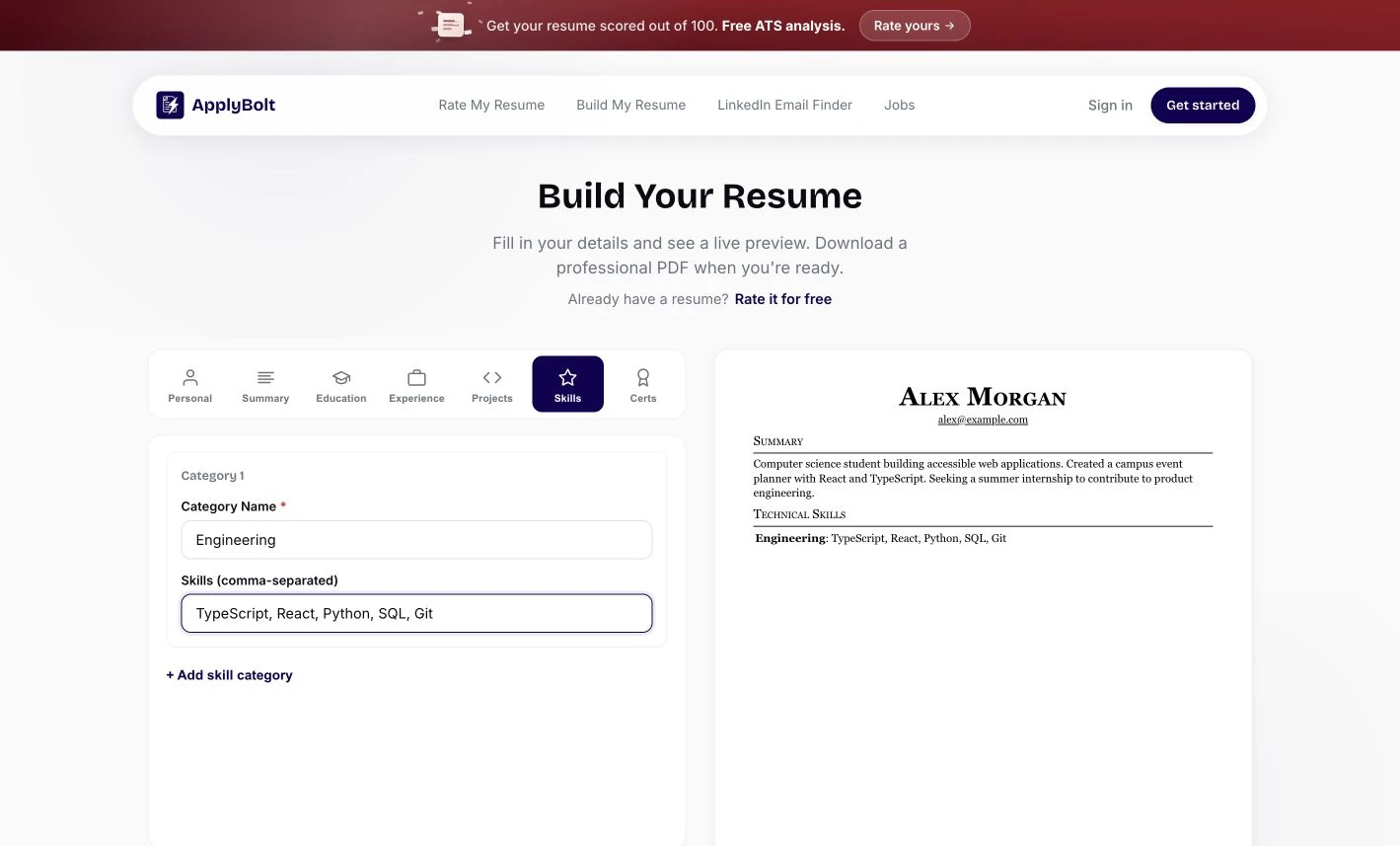
See the actual editor
The ApplyBolt resume builder provides sections for personal details, a summary, education, experience, projects, skills and certifications. Enter your details, review the live preview and download a PDF. The screenshot below shows the real interface with fictional sample content.
Check your PDF before sending it
- Read every name, date and contact detail.
- Check that links open the intended destinations.
- Copy text into a plain-text editor to inspect the reading order.
- Check for clipped lines and unwanted page breaks.
- Follow the file instructions in the employer’s application.
A layout is only the container
No template passes every hiring system by definition. Keep the claims accurate and the examples relevant. If you want help editing the content, review your resume and assess the suggestions yourself.
Choose a layout that makes your work easy to read.
Start with a clear structure and adjust it to your experience. No template guarantees acceptance by every hiring system.
Open the resume builderSet the reading order
Use obvious headings and put your most relevant experience near the top.
Check content density
Prefer concrete evidence to long summaries, decorative skill bars or repeated keywords.
Test the exported file
Inspect line breaks, links and selectable text. Follow the employer's stated format requirements.
Student structure: contact → education → relevant projects or experience → skills. An experienced applicant may lead with work history instead.
Prepared by ApplyBolt · Practical workflow guidance · Employer requirements take precedence